A Step-by-Step Guide on Hiring iPhone App Developers for Your Business
Publish Date: January 20, 2026
By Birdmorning Solutions Pvt. Ltd.
Updated Date: October 10, 2023

In today’s mobile-first world, having a high-performance iPhone app is essential for businesses aiming to stay competitive. However, developing a well-functioning iOS application requires technical expertise, which is why many businesses decide to hire iOS app developers with the necessary skills.
Whether you're a startup or an established company, finding the right talent to hire dedicated iOS developers is crucial for success. In this comprehensive guide, we will walk you through the process of hiring skilled iPhone app developers, from defining your requirements to selecting the ideal team. If you're considering outsourcing, partnering with a trusted iPhone app development company like Birdmorning Solutions can simplify the process while ensuring top-quality results.
Why Hiring iPhone App Developers Is Crucial for Your Business
In the modern business environment, having a reliable iPhone app isn’t just a nice-to-have; it’s a necessity. A well-designed iOS app can improve customer engagement, increase sales, and optimize internal processes. However, to achieve these results, businesses must hire iPhone developers who can create apps that deliver an exceptional user experience. Hiring iOS developers with the right skill set and experience ensures your app is high-performing and fully optimized for Apple’s ecosystem.
Things to Consider Before Starting Your iPhone Development Project
Before you begin searching for developers, it's important to carefully plan your project. Many businesses make the mistake of rushing into hiring developers without a clear understanding of what their project requires. Here’s a step-by-step process for what to consider before you hire iOS developers:
Define Your Project Requirements
Clearly define the features, design, and functionality of your app. This will help you understand what technical expertise you need when you hire iPhone app developers. If your app requires integration with specific Apple frameworks like ARKit or Health Kit, you must ensure the developer you choose has experience in those areas.
Identify Your Business Goals
Before developing an iPhone app, you need to have a clear understanding of your business objectives. Are you looking to increase revenue, improve customer satisfaction, or enhance user engagement? Knowing your goals will help you choose the right development approach and guide the developers in creating an app that aligns with your vision.
Know Your Target Audience
Knowing your target audience is essential for designing an app that resonates with them. User research can provide insights into the features that are most important to your users. Once you have a better understanding of your audience, you’ll be more equipped to hire iPhone developer talent who can create an app that meets those needs.
Set a Realistic Budget
App development can be costly, so it’s important to establish a realistic budget. This budget should include development costs as well as marketing, maintenance, and support expenses. Whether you decide to hire dedicated iOS developers or partner with a development agency, having a clear budget in place helps you stay within your financial limits.
Choose the Right Development Team
Choosing the right team of developers is perhaps the most important decision you’ll make. If you’re planning to develop multiple apps or require ongoing updates and support, it may be more beneficial to hire iOS developers in-house. Alternatively, if you need a specialized skill set, outsourcing to a company like Birdmorning Solutions can provide you with access to a team of experienced iPhone app developers.
How iPhone App Development Works?

The process of developing an iPhone app involves multiple stages. Here’s an overview of how the development process works when you hire iPhone app developers:
1. Planning & Idea Validation
- Define the app’s purpose, features, and target audience.
- Conduct market research to validate the idea and refine the concept.
- Create wireframes and prototypes to visualize the app’s layout and flow.
2. Choosing the Right Development Approach
- Native iOS Development: For the best performance, native iOS apps are developed using Swift or Objective-C with Apple's Xcode IDE. This approach allows developers to access all iOS features like Face ID, ARKit, and more.
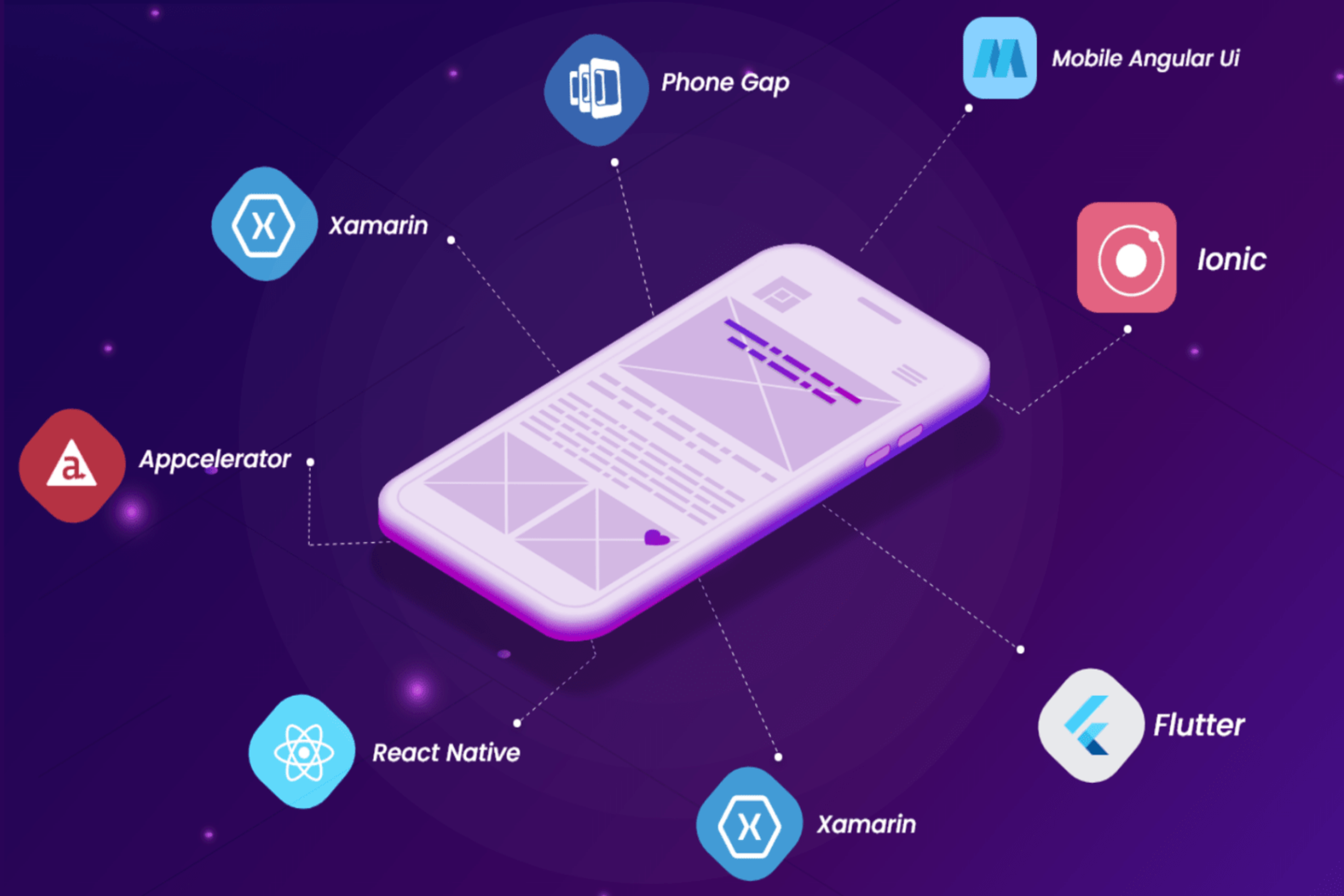
- Cross-Platform Development: For both iOS and Android, frameworks like Flutter or React Native are used. While cross-platform apps are quicker to build, they may not offer the same performance or feature set as native apps.
3. Setting Up the Development Environment
- You’ll need a macOS system to run Xcode, Apple’s official IDE.
- You will also need an Apple Developer account to publish apps on the App Store.
4. Designing the User Interface (UI/UX)
- Follow Apple’s Human Interface Guidelines (HIG) to ensure the app is intuitive and user-friendly.
- Use SwiftUI or UIKit for designing the app’s interface, ensuring it works across various iPhone models.
5. Writing the Code
- Developers use SwiftUI or UIKit for the app's frontend and frameworks like Firebase or AWS for backend services.
- Integrate essential features like user authentication and offline functionality, along with Apple’s frameworks for added functionality.
6. Testing & Debugging
- Use Xcode’s simulator to test the app on various iPhone models and real devices.
- Perform unit tests, UI tests, and beta testing (via TestFlight) to ensure everything works smoothly.
7. App Store Submission
- Prepare necessary assets like icons, screenshots, and promotional videos.
- Write a compelling description and optimize the app for the App Store with proper keywords.
- Submit the app through App Store Connect for Apple’s review.
8. Post-Launch Maintenance
- After launch, monitor crashes and performance using tools like Xcode Crash Reports and Firebase Crashlytics.
The developer you hire should support the app after release.
Step-by-Step Guide: How to Hire an iPhone App Developer

Hiring the right iPhone app developer is crucial for ensuring your app meets your business needs and delivers a seamless user experience. Whether you’re building an app from scratch or need help with updates and maintenance, here’s a step-by-step guide to hiring the perfect iPhone app developer for your project.
1. Define Your App’s Requirements
Before you start looking for a developer, it’s essential to define the requirements of your app. What features do you want to include? What kind of user experience are you aiming for? The more specific you can be about your app’s functionality, design, and target audience, the easier it will be to find a developer who fits your needs.
- Feature Set: List the key features you want in the app, such as notifications, payments, or GPS integration.
- Platform: Determine whether you need a native app or a cross-platform app.
- Design Preferences: Consider the app’s UI/UX design. Will it follow existing branding, or does it require a new design?
2. Search for Potential Developers
- Freelance Platforms: Websites like Upwork, Fiverr, and Freelancer can connect you with experienced iPhone app developers who can work on your project.
- Development Agencies: If you’re looking for a more comprehensive team, consider hiring a development agency that specializes in iOS app development.
- Job Boards: If you need an in-house developer, posting your job on platforms like LinkedIn, Glassdoor, or Indeed can help you find qualified candidates.
3. Review Their Portfolio
Once you’ve found a few developers or agencies, take the time to review their portfolios. A strong portfolio will showcase their previous iOS apps, design aesthetics, and the functionality they’ve integrated into past projects. Look for apps that are similar to your concept or business industry.
- Quality: Ensure the apps they’ve developed are polished and perform well.
- Diversity: A diverse portfolio shows the developer’s ability to adapt to different types of projects and challenges.
- User Reviews: Check if the apps have positive feedback from users, as this indicates the developer can deliver a high-quality user experience.
4. Assess Technical Skills and Experience
While a developer’s portfolio gives you an idea of their work, it’s important to assess their technical abilities as well. Ensure the developer has experience with iOS development tools like Xcode, Swift, and Objective-C. Depending on your app’s complexity, you may also need a developer familiar with more advanced technologies such as ARKit, Core Data, or integration with third-party APIs.
- Technical Knowledge: Verify their expertise with iOS development languages like Swift or Objective-C.
- App Architecture: Ensure they understand how to structure an iOS app for scalability, stability, and performance.
- Tools Familiarity: Familiarity with testing tools (like XCTest) and development tools (like Git) is crucial.
5. Evaluate Communication Skills
Effective communication is key to a successful development project. If a developer doesn’t communicate clearly or is slow to respond, it can cause delays and confusion. Ensure that the developer is responsive and can explain technical concepts in a way that you understand.
- Responsiveness: Make sure they reply to your messages in a timely manner.
- Clarity: They should be able to explain technical jargon in simple terms, ensuring you fully understand the project’s progress and any potential challenges.
- Proactivity: A good developer should provide updates, raise concerns early, and ask clarifying questions if needed.
6. Conduct Interviews
Once you’ve narrowed down your list of potential developers, it’s time to interview them. Prepare a list of questions that will help you gauge their expertise and how well they’ll fit into your project.
- Technical Questions: Ask about their experience with specific tools or challenges they’ve faced in past iOS projects.
- Problem-Solving: Give them a hypothetical problem related to your app and ask how they would approach solving it.
- Project Management: Inquire about their experience working with deadlines, collaborating with teams, and handling revisions.
7. Check References and Reviews
Before making your final decision, check the developer’s references or online reviews. Speak with previous clients to understand the developer’s work ethic, communication style, and ability to deliver quality results on time. You can also check their ratings and reviews on freelance platforms or review sites.
- Client Testimonials: Ask for testimonials from previous clients or look for reviews on platforms like Clutch or Trustpilot.
- Past Client Experiences: If possible, reach out to previous clients to ask about their overall experience with the developer.
8. Negotiate Terms and Pricing
Once you’ve found the right iPhone app developer, it’s time to discuss the terms of the contract. Make sure you’re both clear on the following:
- Scope of Work: Clearly define the features, functionality, and deadlines.
- Pricing: Agree on the pricing structure (hourly, per project, etc.) and discuss any potential additional costs (maintenance, updates).
- Payment Milestones: Set payment milestones based on the completion of specific deliverables, ensuring you only pay for completed work.
9. Start with a Small Project or Trial Period
If you’re uncertain about hiring a developer full-time or for the entire project, consider starting with a smaller task or a trial period. This allows you to assess the developer’s performance and compatibility with your project before committing to a larger scope.
- Small Test Project: Give them a minor task to complete and evaluate the quality of their work and how well they meet deadlines.
- Trial Period: For long-term projects, consider hiring them on a short-term basis initially.
10. Finalize the Contract
Once you’ve agreed on terms and feel confident in your choice, finalize the contract. The contract should include:
- Project Scope: A detailed description of the app’s features, design, and timeline.
- Payment Terms: Clear payment milestones and expectations.
- Ownership and Intellectual Property: Ensure that all intellectual property related to the app is transferred to your business upon completion.
- Confidentiality: Include a non-disclosure agreement (NDA) to protect your business’s sensitive information.
Responsibilities of iPhone App Developers
When you hire iPhone app developers, here are some of the key responsibilities they will handle:
- Developing high-quality, commercial-grade applications for iOS.
- Fixing bugs and optimizing app performance.
- Implementing new features and functionalities.
- Collaborating with cross-functional teams, including design, marketing, and business departments.
- Conducting unit testing to ensure the app is robust and functional.
Options for Hiring iPhone App Developers
Businesses have several options when it comes to hiring iPhone app developers. These include:1. Hire Freelance iPhone App Developers
Freelance developers can be ideal for short-term projects or specific tasks. Platforms like Upwork, Fiverr, and GitHub offer access to a global pool of freelancers with a variety of skill sets.
2. Build an In-House iOS Development Team
If your business requires ongoing development or maintenance, hiring an in-house team might be the best option. This approach offers the advantage of having constant communication and direct control over the project.
3. Partner with an Outsourcing iOS Development Company
Outsourcing to a development company like Birdmorning Solutions is an efficient way to build an iOS app quickly and cost-effectively. By outsourcing, you tap into a wealth of expertise and resources that allow you to launch your app faster without sacrificing quality.
How to Find and Hire iPhone App Developers
Here are the top strategies to find iPhone app developers for your project:
Web Platforms
Hiring through platforms like Upwork, Freelancer, and Toptal gives businesses access to skilled iPhone developers from around the world. You can filter developers based on project requirements, hourly rates, and expertise.
Request Referrals
Referrals from colleagues or industry peers can lead to hiring trusted developers who come highly recommended. This method may take time, but it’s often more reliable than blind hiring.
Technology-related Events
Attending technology events or conferences allows you to network with iPhone developers and meet potential candidates face-to-face. Even if you don’t find the right developer immediately, these events are great for making valuable connections.
Note to Look for When Hiring a Developer
Avoid these common pitfalls when hiring a developer:
Lack of Portfolio
If a developer is unable to showcase past projects or provide examples of previous work, it’s a clear sign to move on. A strong portfolio is a key indicator of their experience and ability to deliver quality work.
Unrealistically Low Prices
Be wary of developers offering to build a complete app for an unusually low price, like $500. Such offers are often a scam, or the quality of the work will likely be subpar. Quality development takes time and resources, so extremely low pricing could be a major red flag.
Failure to Ask Questions
A good developer will inquire about your goals, target audience, and the specific features you need in the app. If they don’t ask these questions, they may not fully understand your vision or the scope of the project, which could lead to issues down the road.
Communication Delays
If a developer is slow to respond to your messages or isn’t proactive in communication, expect that these delays will only worsen as the project progresses. Timely and clear communication is essential for a smooth development process.
No Testing Process
Testing is a vital part of development to ensure that the app works as intended. If a developer mentions that they don’t have a clear testing process, that’s a major red flag. Without proper testing, bugs and issues are bound to arise after the app launches.
Conclusion
Hiring iPhone app developers is a key decision in the app development process. Whether you choose to hire dedicated iOS developers, build an in-house team, or outsource the project to a company like Birdmorning Solutions, the team you choose will have a significant impact on your app’s success. By following this guide, you can confidently select the right developers to meet your business needs and build a high-quality iOS application.